Vectrex Academy 2026 Project

Game
Title
Project
Status
- Project completed
- Final
release version 1.0 available
Synopsis
- Mini Golf for the Vectrex / Tee Time clone
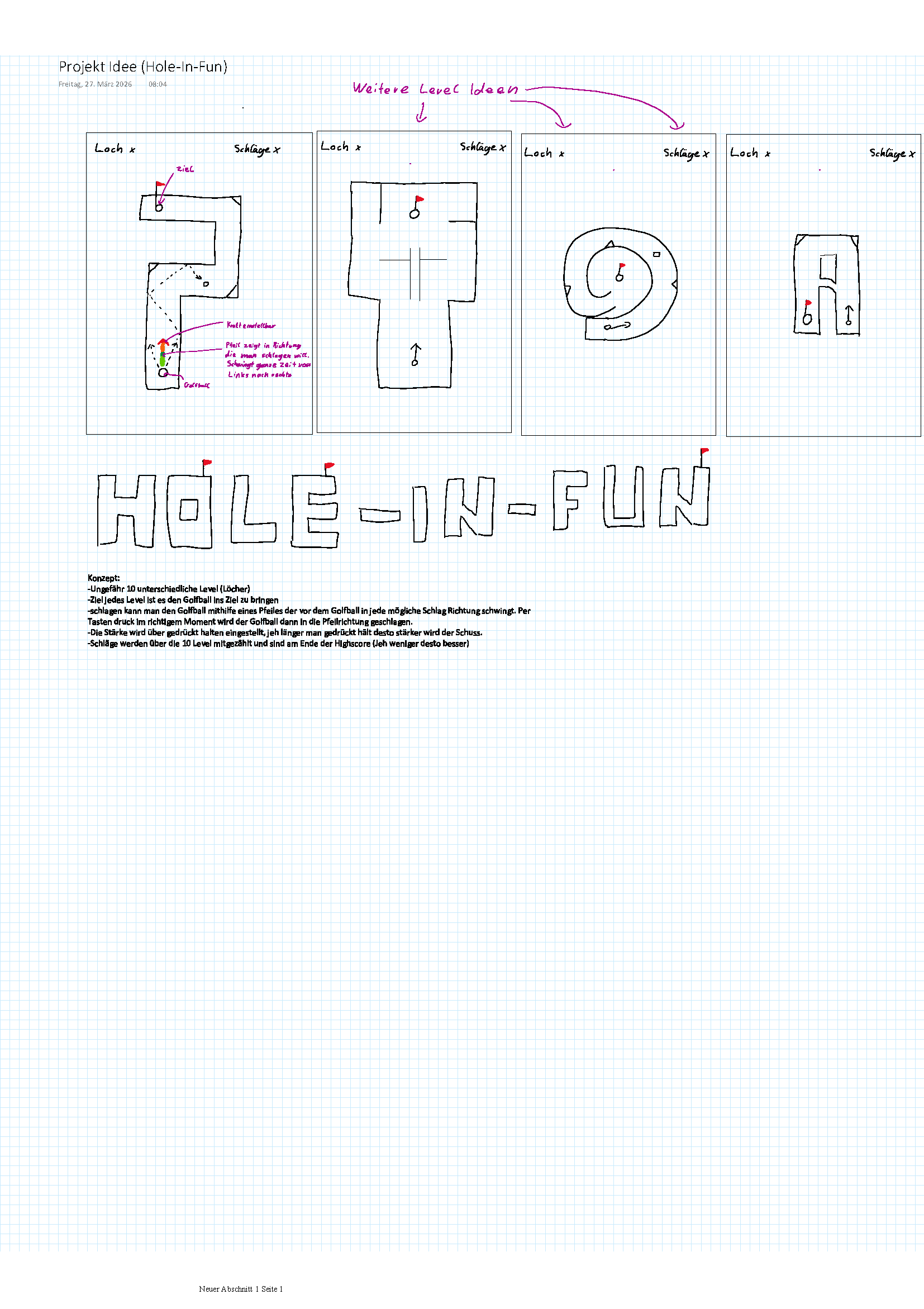
- Concept:
- Approximately 10 different levels (holes)
- The goal of each level is to get the golf ball
into the hole.
- You can hit the golf ball using an arrow that
swings in front of the ball in every possible
direction. By pressing a button at the right moment,
the golf ball is then hit in the direction of the
arrow.
- The power is adjusted by holding down the button;
the longer you hold it down, the stronger the shot.
- Hits are tallied across all 10 levels and appear
at the end of the high score (the fewer, the
better).
- Possible special features:
- The ability to switch between rackets
- Wind in the form of flying arrows that affect the
ball
- Breakable obstacles that require multiple hits
- Obstacles that move or rotate
How To
Play
- Use the joystick to
aim your shot.
- Push left or right to
rotate the aim arrow around the
ball.
- Push the joystick up
to increase shot power, down to
decrease it. The arrow grows
longer as power increases.
- Press Button 4 to
shoot the ball in the aimed
direction.
- The ball will bounce
off walls and slow down over time
until it stops
- Wind affects the
ball's path — watch the wind
particles to judge the drift.
- Get the ball into the
hole to complete the level. The
hole is marked on the course.
- Your stroke count is
tracked per hole and shown on
screen.
- The maximum number of
strokes is 20; after that, play
moves on to the next hole.
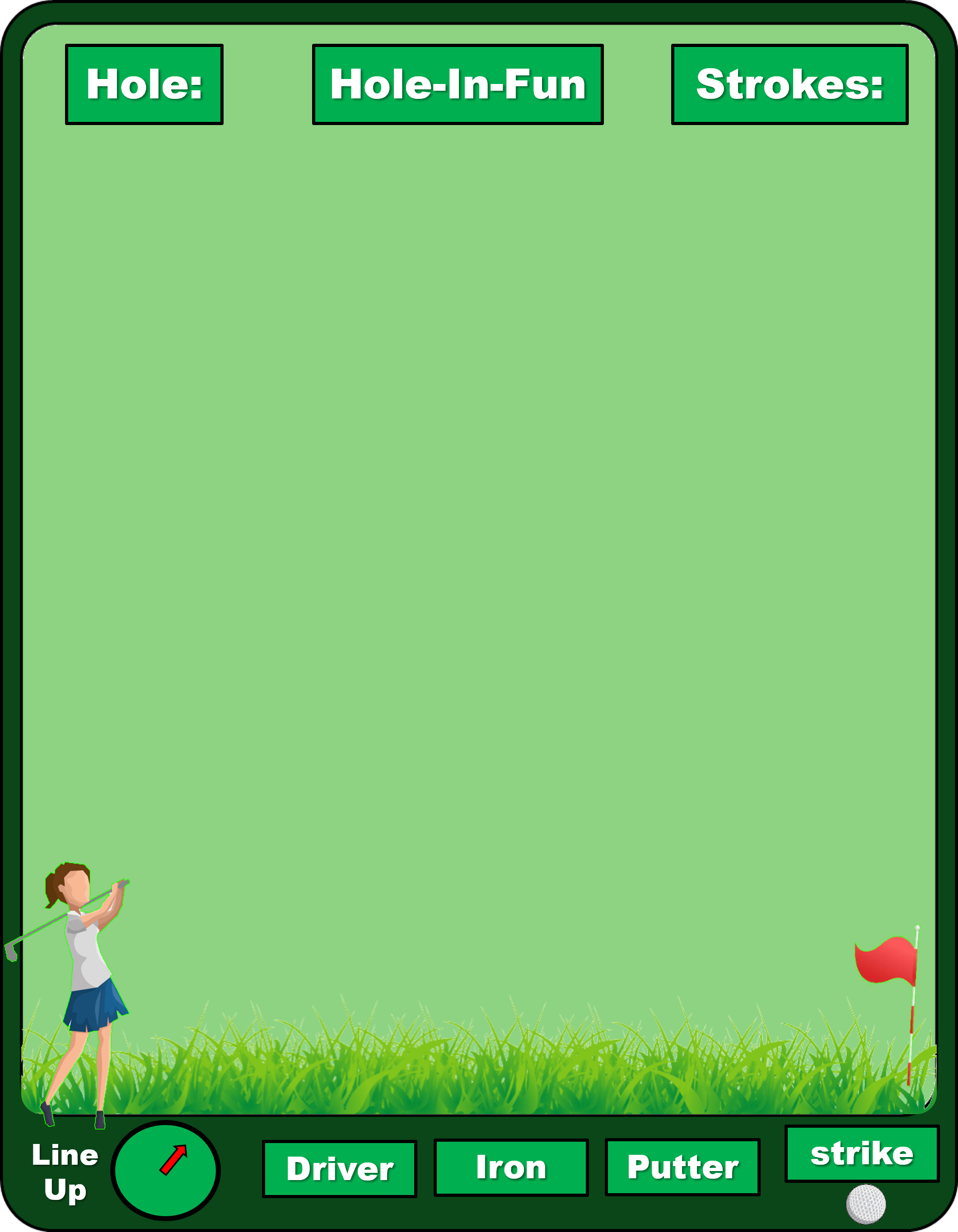
- You have a choice of
3 different clubs, which you can
select using the buttons: Driver
(Button 1), Iron (Button 2), and
Putter (Button 3). The clubs
behave differently in terms of
strength and wind.
- Driver:
Full power, full wind effect
- Iron:
Medium power, medium wind effect
- Putter:
Low power, no wind effect
- After all holes, your
total score is displayed — lowest
number of strokes wins!
Author
Concept
Art
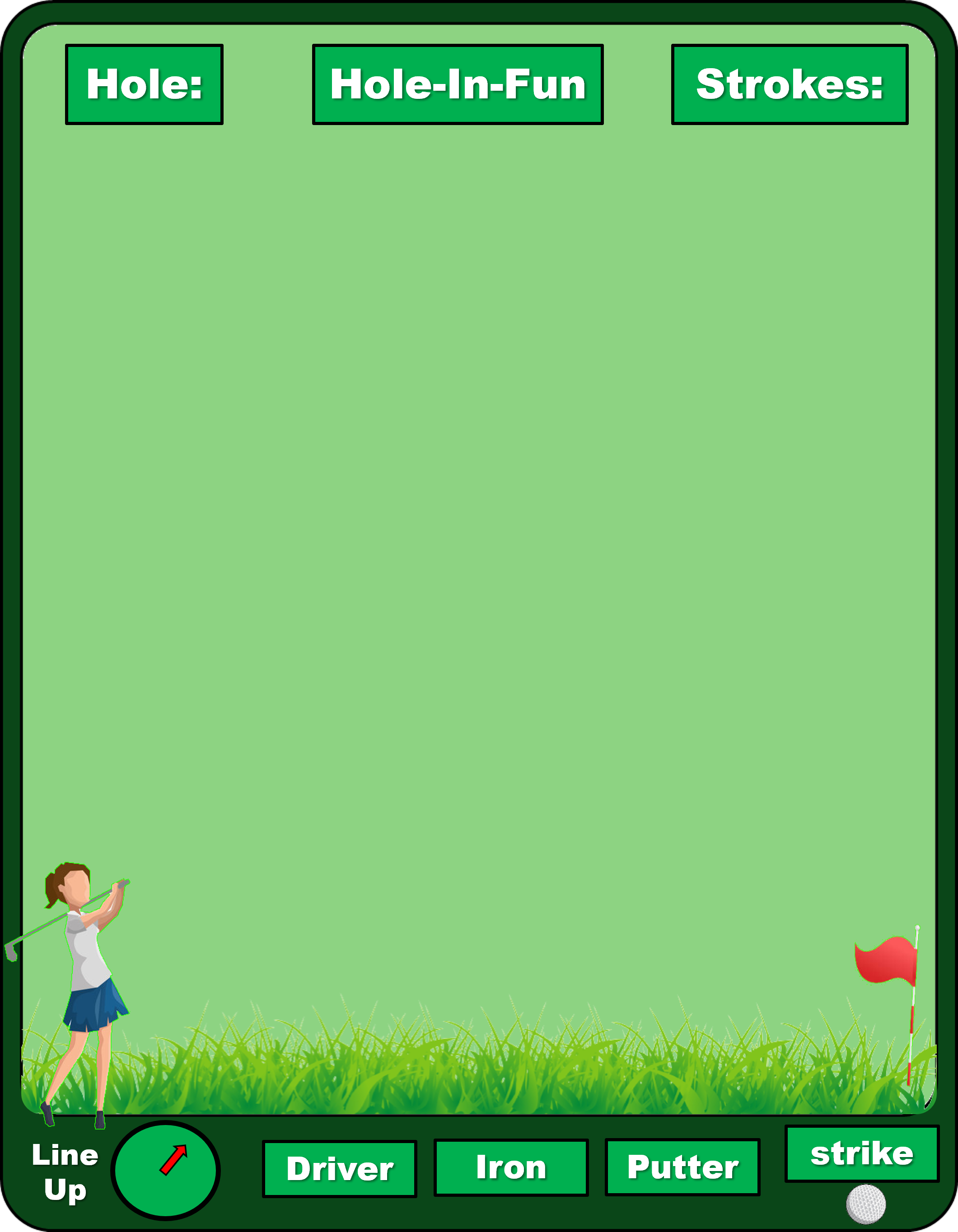
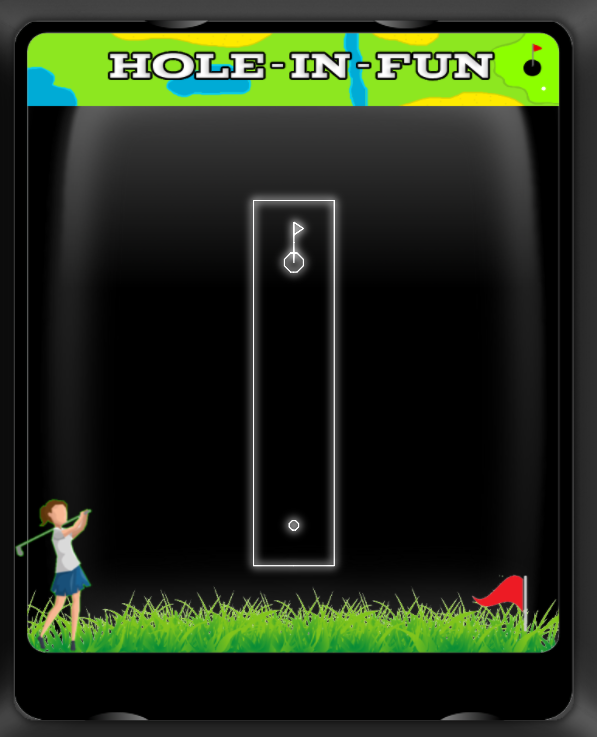
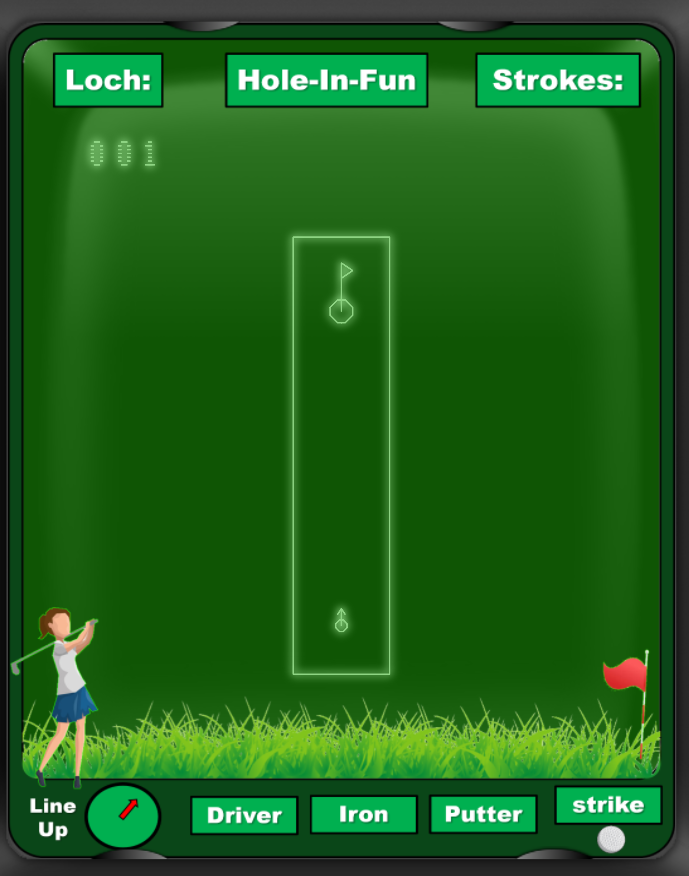
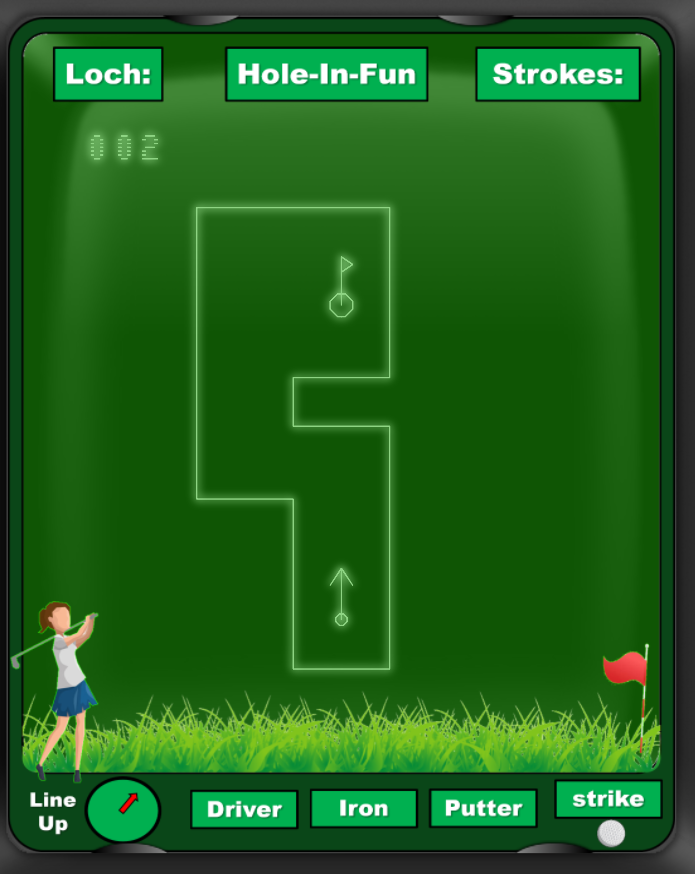
Screenshots
Downloads
- Downloads are free and for non-commercial use
only. Use at your own risk.
- Please
respect the copyright and credit the
author and the origin of this game.
Online
Testing
- Links to Dr. Snuggles' online
emulator to directly test the game in your
browser: Hole-In-Fun_1_0
Feedback
- Feedback and bug reports are
very welcome and will be relayed to the
author.
- Please use this link to send
your comments.
Latest modification on 07/28/2026,
17:00
- Project completed
- Final release version 1.0 available
- Feedback is welcome!
|